
How to Check Your Project for Plagiarism Before Submission (Free & Paid Tools Compared)
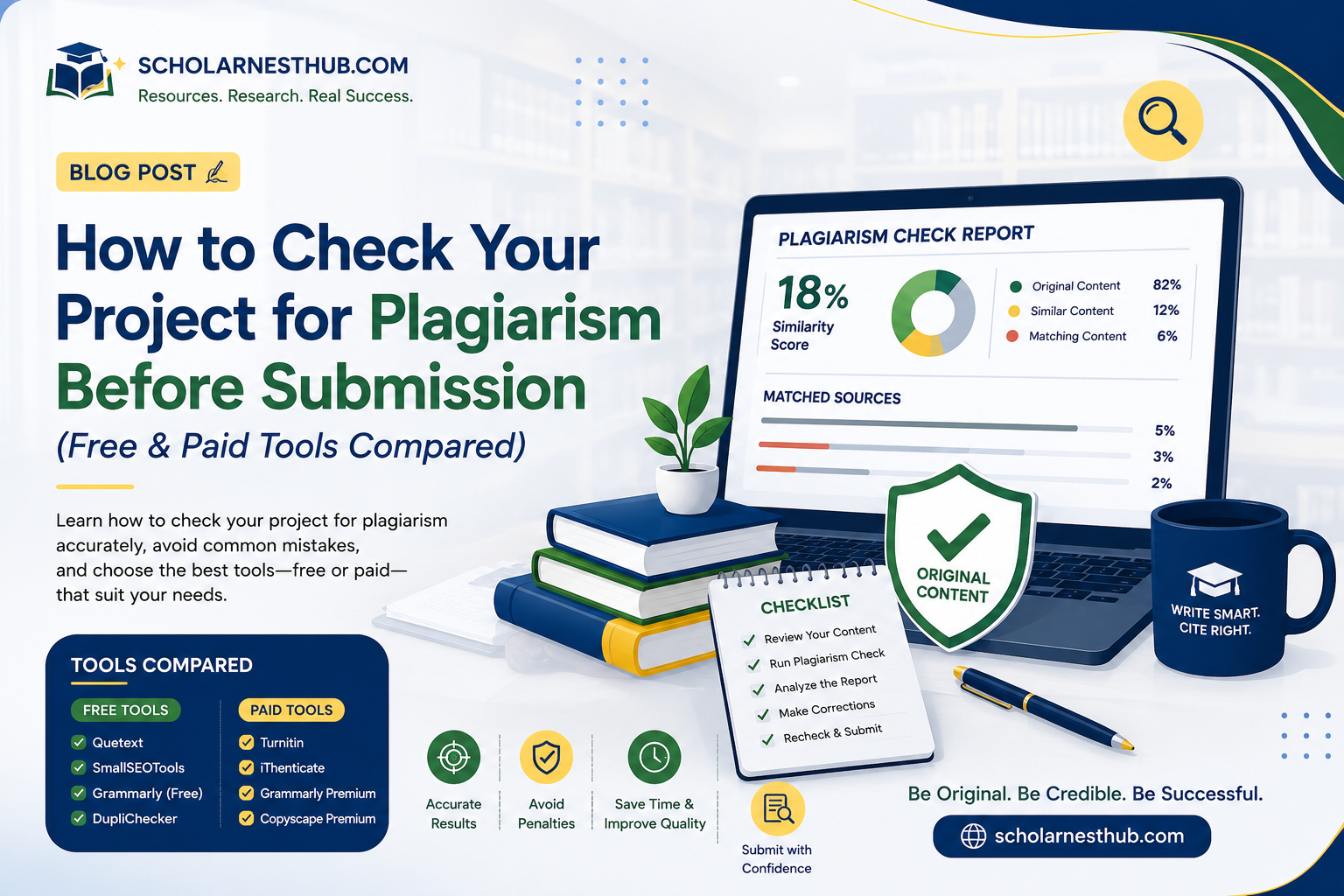
Submitting a project without checking it first is a gamble most students don't need to take. A pre-submission plagiarism check takes a few minutes, costs little or nothing, and gives you the chance to fix a weak citation or an over-quoted paragraph before your supervisor ever sees it. Yet many students either skip this step entirely or don't know which tool is actually worth their time — and with data costs and tight budgets, that choice matters more for Nigerian students than the marketing pages of these tools tend to admit.
If you've already run a check and the percentage came back higher than expected, it's worth reading our companion article on why a project gets a high plagiarism score even when you didn't copy anything before you assume the worst. This guide covers the other half of that process: which tools to actually use before you get to that point, what free tiers really give you, and when paying for a proper check is worth it.
Why Checking Before Submission Matters
Most departments now run every submitted project through a plagiarism checker as a matter of routine, often Turnitin. Checking your own work first means you get to see the same kind of report your supervisor will see, while you still have time to fix anything that needs fixing. It also protects you from the more common problem covered in our companion article: discovering, after submission, that a high score was really just an unexcluded reference list or a long, correctly cited quotation. A pre-submission check lets you catch and explain these things calmly, on your own schedule.
Free Plagiarism Checkers Worth Trying
Free tools are a reasonable starting point, especially for an early draft, but they come with real limits you should know about upfront.
Quetext
Quetext's free tier allows a 500-word scan and highlights matched sources in a colour-coded report, with a citation-assistance feature that helps you fix flagged text quickly. Because of the word limit, a full chapter has to be checked in sections rather than all at once.
Copyleaks
Copyleaks offers a limited free allowance, generally cited around 2,500 words in total, and stands out for detecting similarity across multiple languages and even source code, which is useful if your project includes technical or programming components.
DupliChecker and Small SEO Tools
These no-signup web tools let you paste in roughly 1,000 words at a time for a quick first-pass check. They're convenient for a fast sanity check on a single paragraph or page, but their databases are shallower than the paid academic tools, so they tend to miss well-paraphrased matches and academic journal sources.
The Catch With Free Tools
Every free tier shares the same trade-off: a small word limit per scan and a smaller comparison database than paid or institutional tools. Free tools are generally better at catching obvious, word-for-word copying than at catching close paraphrasing, and none of them search the private repository of previously submitted student papers that Turnitin uses — which is often exactly where an unintentional match with another student's project would show up.
Paid Plagiarism Checkers for Serious Submissions
For a final chapter, a full project, or a thesis you've spent months on, a paid check is usually worth the modest cost.
Scribbr (Turnitin-Powered)
Scribbr sells individual reports generated using Turnitin's own database, priced per document rather than by subscription — a useful option since Turnitin itself doesn't sell directly to individual students. Its free version only shows a vague risk rating (High, Medium, Low); the full source-by-source report requires payment.
Quetext Pro and Copyleaks Premium
Both tools offer monthly subscriptions that remove the free-tier word limits and add features like downloadable reports and citation tools. These are worth considering if you're checking multiple chapters or projects over a longer period, rather than a single one-off submission.
Grammarly Premium
Grammarly's plagiarism checker is only available on its paid plans and is best treated as a convenient add-on to a writing workflow you're already using for grammar checking, rather than your main tool for verifying an academic project — its database leans toward general web content rather than academic journals and archived student papers.
Why You (Usually) Can't Buy Turnitin Directly
Turnitin is licensed to institutions, not sold to individual students, which is why so many comparison tools exist in the first place — students are looking for something that approximates what their school will actually use. Eastern Illinois University's overview of its Turnitin similarity tool is a useful reference for understanding what an institutional Turnitin report actually compares your work against, even if you can't run one yourself before submission.
Free vs Paid: Quick Comparison
Tool
Type
Free Limit
Paid Price*
Best For
Quetext
Free + Paid
500 words/scan
~$9.99/month
Quick chapter-by-chapter checks
Copyleaks
Free + Paid
~2,500 words total
~$13.99/month
Multilingual or code-heavy projects
DupliChecker / Small SEO Tools
Free only
~1,000 words/scan
N/A
A fast first-pass sanity check
Grammarly
Paid only
Not available
~$12–30/month
Grammar + plagiarism in one workflow
Scribbr (Turnitin-powered)
Paid only
Risk score only
~$19.95/document
Final thesis or dissertation check
Turnitin
Institutional
Not sold to individuals
Via school subscription
The official version your school will use
*Pricing changes over time — confirm current rates on each provider's site before subscribing.
How to Actually Use These Tools Effectively
Check Early, Not Just Before Submission
Run a free check on your literature review as soon as you draft it, rather than waiting until the whole project is finished. Catching a poorly paraphrased paragraph in Chapter Two is far less stressful than finding it the night before your defence.
Check Chapter by Chapter
Given the word limits on most free tools, split your project by chapter rather than trying to force the whole document through in one pass. This also makes it easier to see exactly which chapter needs attention, since methodology and literature review sections often score differently from your own analysis and discussion.
Don't Panic Over the Number — Read the Report
Whichever tool you use, open the detailed report rather than reacting to the percentage alone. Check whether flagged text falls inside quotation marks, your reference list, or standard field terminology — the same reading skill that matters for your final Turnitin score matters here too.
A Simple Pre-Submission Checklist
• Run a free scan on each chapter as you finish drafting it, not only at the end.
• Confirm every direct quote has quotation marks and a citation attached.
• Paraphrase flagged sections fully rather than swapping a few words.
• Save your paid, full-document check for the final draft, once major edits are done.
• Keep a copy of your report in case your supervisor asks how you verified originality.
Key Takeaways
• Free tools like Quetext, Copyleaks, and DupliChecker are useful for quick, section-by-section checks but carry tight word limits.
• Paid tools like Scribbr offer Turnitin-powered reports for individuals, since Turnitin itself is licensed to institutions only.
• Free checkers generally miss more paraphrased or subtly reworded matches than paid, institutional-grade tools.
• Checking chapter by chapter throughout your writing process catches problems earlier than one check at the end.
• Reading the detailed report matters more than reacting to the percentage, regardless of which tool you use.
Frequently Asked Questions
1. Can I use Turnitin myself before submitting my project?
Generally, no — Turnitin is licensed to schools and institutions, not sold directly to individual students. Some departments allow students to submit drafts to a preview folder for a Turnitin check; ask your supervisor if this option exists before assuming you have no access at all.
2. What's the best free plagiarism checker for students?
Quetext and Copyleaks are commonly recommended free options, though both cap the amount of text you can check per scan. For a quick first-pass check on a single section, either is a reasonable starting point.
3. Is a paid plagiarism checker worth it for a final year project?
For a document you'll be examined on, yes. A one-off paid report from a Turnitin-powered service like Scribbr gives you a much closer approximation of what your school will actually see than a free tool's smaller database can offer.
4. Do free plagiarism checkers give accurate results?
They're useful for catching obvious, word-for-word copying but tend to miss well-paraphrased matches and don't search academic journal archives or private student-paper repositories as thoroughly as paid or institutional tools. Treat a clean free-tool result as a good sign, not a guarantee.
5. Can a plagiarism checker detect AI-generated writing?
No — plagiarism checkers and AI-content detectors work differently. A plagiarism checker matches your text against existing sources; AI-generated text that hasn't been published anywhere else won't match anything and can score as fully original even if it wasn't written by you.
6. Should I check my project before or after my supervisor reviews it?
Before, ideally. Checking early gives you time to paraphrase or cite properly rather than making last-minute edits under pressure once your supervisor has already flagged a concern.
7. Why do different plagiarism checkers give different percentages for the same document?
Each tool compares your text against its own database, and no two databases are identical in size or coverage. A tool with a smaller web-only database will typically return a lower score than one that also searches academic journals and previously submitted student papers.
8. Is it safe to upload my unpublished project to a free plagiarism checker?
Read each tool's privacy policy before uploading unpublished academic work, since some free services may store or index submitted text. If you're checking a thesis or research meant for future publication, this is worth confirming before you paste in your full document.
9. How much text can I check for free before needing to pay?
This varies by tool and changes over time — Quetext and similar tools generally cap free scans at a few hundred words, which is usually enough to check a page or short section at a time rather than a full chapter in one go.
10. What should I do if my project still scores high after using these tools?
Work through the flagged sections individually rather than editing the whole document. If you'd like a second opinion on which sections genuinely need rewriting, ScholarNestHub's academic writing team can review your project and help you strengthen citations and paraphrasing before your final submission.
Final Thoughts
There's no single perfect plagiarism checker — the right one depends on your budget, how far along your project is, and how high the stakes are for that particular submission. Use a free tool for early drafts, save a paid, Turnitin-powered check for your final version, and always read the detailed report rather than reacting to the number alone. If you're still building your project and want a head start on properly structured, well-referenced material, browse ScholarNestHub's project topics and materials for examples of how a well-cited Chapter One should look before you ever run a check on your own.
Need help on your own project?
Browse ready-made materials or request a custom topic from a verified academic writer.